
Minecraft Map Art Generator
Map art is a picture that appears on an in-game map when you build it out of the right blocks. This Minecraft map art generator picks those blocks for you from any image, previews exactly how the map will look, and saves a schematic you can build with Litematica or paste with WorldEdit.
Drop a picture here
PNG, JPG, WebP or GIF up to 20 MB
Processed in your browser, never uploaded.
Map size
Blocks to use
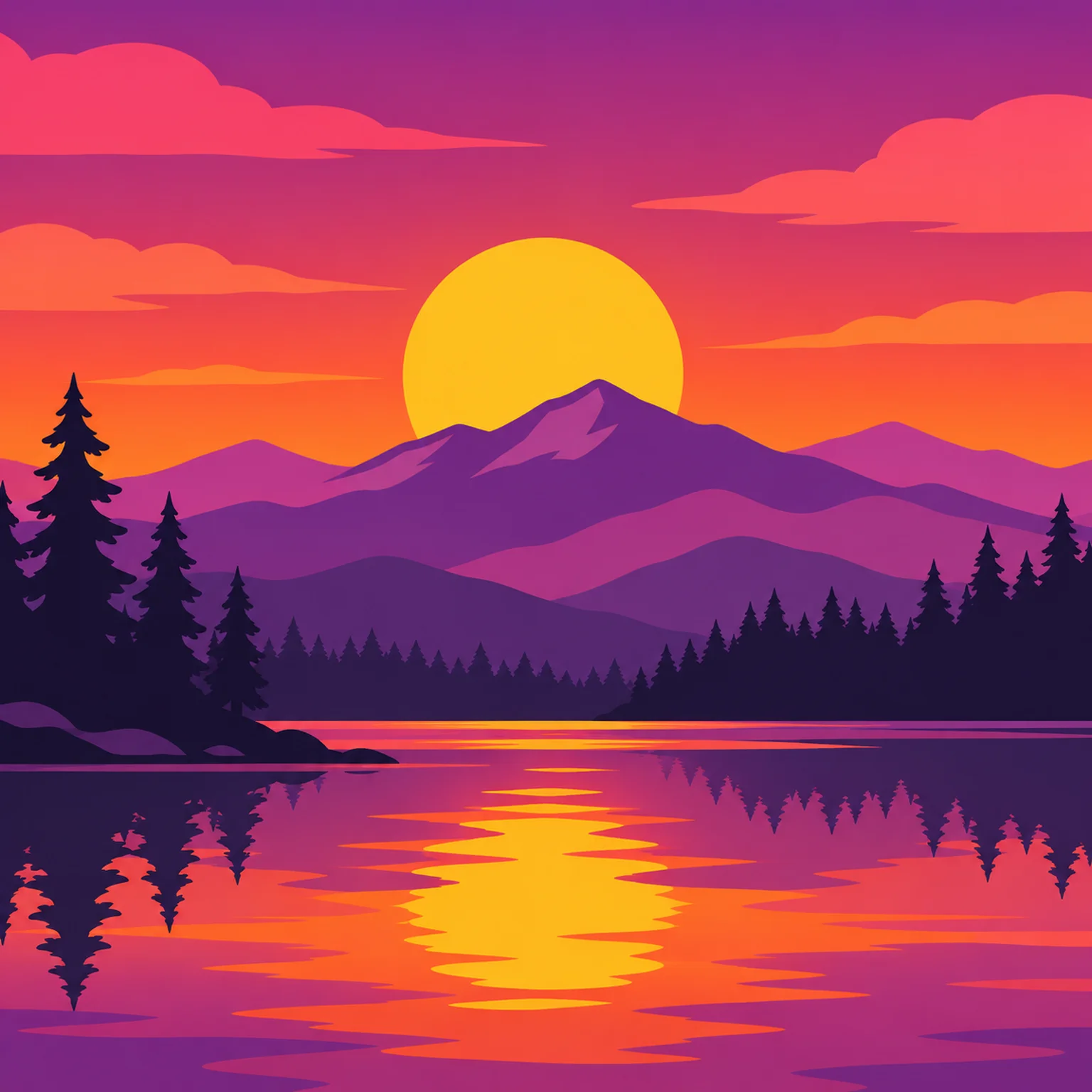
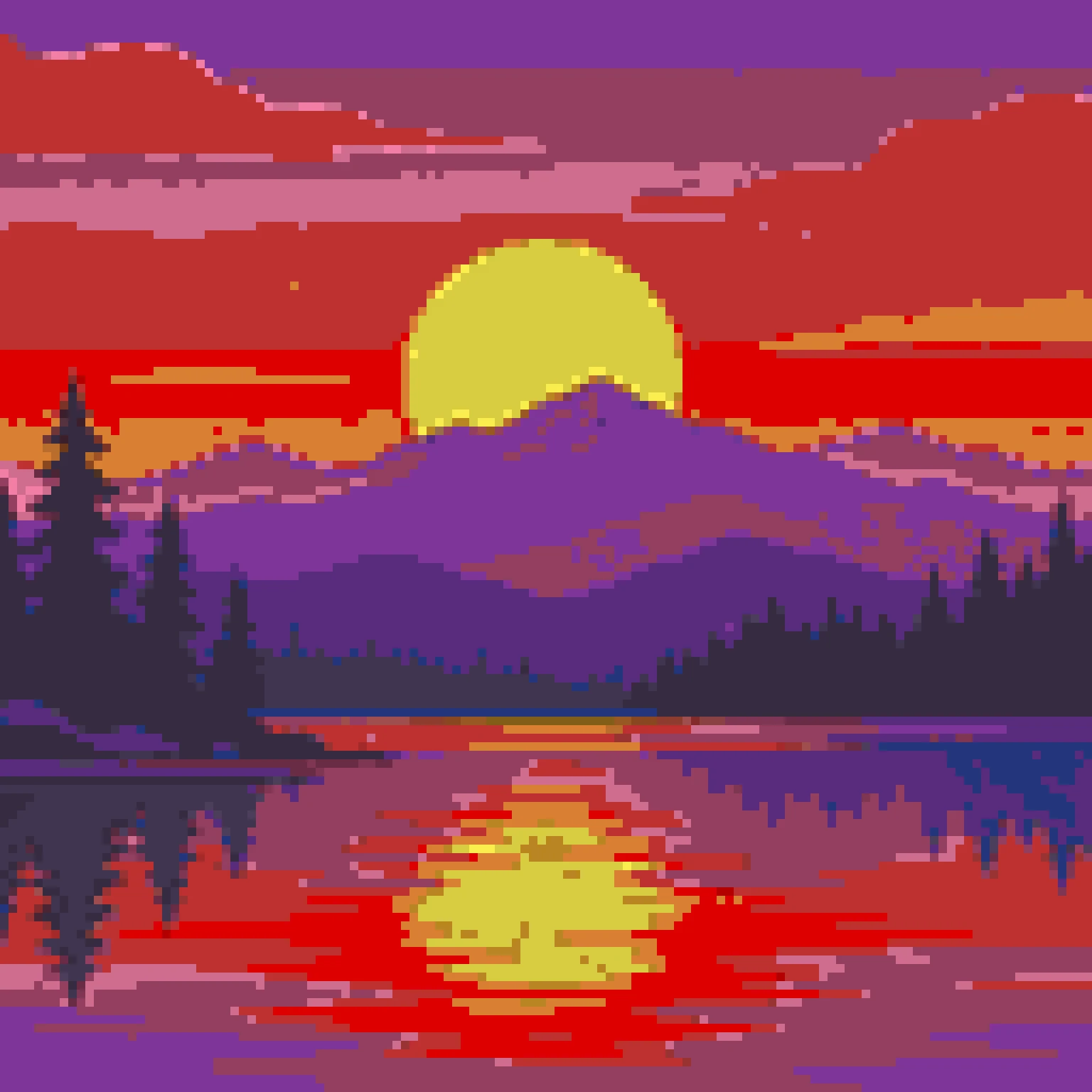
Made with this tool from the picture on the left: one map (128 × 128 blocks), staircase shading, dithering off, all block groups. The tallest column is 57 blocks; the right side shows the colours the map displays.
What is a Minecraft map art generator?
Maps do not show textures. Each block shows one colour from a fixed list of about sixty, darkened or lightened depending on whether the block is higher or lower than the one north of it. A generator matches every pixel of your picture to the nearest of those colours, works out the heights, and turns the result into a buildable layout.
A Minecraft flat map art generator
Flat art keeps every block at one height, so each colour has one shade. It is the easiest to build in survival and needs no scaffolding, at the cost of fewer colours. Most first projects start here.
Staircase map art for more colours
Raising or lowering a block by one gives the brighter or darker shade of its colour, tripling the palette. The generator plans those steps column by column and shows the tallest column it needs, so you know how much height to clear.
A Minecraft custom map art generator for any image
Logos, photos, anime screenshots and drawings all work. Images with bold shapes and few colours give the cleanest maps. For pictures you want to see in the world rather than on a map, use the Minecraft pixel art maker.
Why use our Minecraft map art generator?
The preview is the map you will see in game, and everything happens without uploading your picture.
A Minecraft map art generator online with a true preview
The preview shows the shaded map colours, not block textures, so what you see is what the map will show. Toggle dithering to blend colours in photos or turn it off for crisp logos.
Minecraft map art generator for Litematica builds
Download a .litematic and build it in survival with Litematica’s hologram and Easy Place, or a .schem to paste it on a creative server. The material list tells you how many stacks of each block to farm. To check the file later, open it in the Litematica viewer.
Choose your block groups
Turn off groups you cannot get, such as Nether blocks on a fresh server, and the generator finds the best picture with what is left. Concrete, wool and terracotta give the widest colour range.
How to Use It in 3 Steps
Choose a picture and the map size
Drop a PNG, JPG, WebP or GIF and pick how many maps across and down. One map is 128 by 128 blocks; 2 by 2 maps make a 256 block picture.
Pick flat or staircase
Start with Flat. Switch to Staircase if the colours look washed out, and check the tallest column it reports.
Download and build
Save as .litematic for survival or .schem for WorldEdit. The schematic converter can turn it into other formats later.
Building map art in your world
A perfect schematic still needs to sit in the right place for the map to capture it.
Line it up with the map grid
Maps cover fixed areas. On a standard map each area starts at a block coordinate of 128 times a whole number minus 64, for example −64, 64 or 192. Put the first picture row and column on such a coordinate. The extra row of cobblestone in the file goes one block north of the picture, outside the map area.
Make and lock the map
Craft an empty map, stand inside the area and use it to draw the map. Then lock it with a glass pane in a cartography table so later changes do not alter it, and copy it as many times as you like.
Show it on a wall
Place the maps in item frames in the same order as in the generator. For a multi-map picture, start with the top left map and work across.
Minecraft Map Art Generator FAQ
How do you make map art in Minecraft?
Pick a picture, convert it to map colours with a Minecraft map art generator, build the blocks on a 128 by 128 area aligned with the map grid, then draw and lock a map of that area. This page does the colour matching and gives you a schematic to build from.
How do I make a map with a cartography table?
In a cartography table, combine a filled map with paper to zoom out, with a glass pane to lock it, or with an empty map to copy it. For map art you usually lock a zoom-level 0 map, which covers 128 by 128 blocks.
How big is Minecraft map art?
One map at the closest zoom covers 128 by 128 blocks, so one map of art is 16,384 blocks plus a reference row. Larger pictures use several maps side by side.
How do I get custom map art in Minecraft?
Without mods, by building it: generate the block layout here, build or paste it in the map area, then draw a map there. Servers with image map plugins can also render pictures directly, but that is not vanilla.
Does it work for Bedrock?
You can download a .mcstructure for Bedrock. Bedrock map colours are slightly different from Java, so flat art with concrete and wool gives the most reliable result there.
Can I make carpet map art?
Not yet. The generator uses full blocks, which work for both flat and staircase art. Carpets share their map colours with wool, so a wool-only build looks the same as carpet art on the map.
Does it support Minecraft 1.21 and newer?
Yes. The block list and map colours match current Java versions, and files carry the game data version so older and newer worlds load them.
Can I use a command block or data pack instead of building?
This minecraft map art generator outputs schematics, not commands. In creative, paste the .schem with WorldEdit, which is faster than any command chain.
Is the minecraft map art generator free?
Yes. Map art, previews and downloads are free with no account and no limit.
Why do my colours look wrong on the map?
Usually the build is shifted relative to the map grid, or the reference row north of the picture is missing, which changes the shading of the first row. Check alignment and keep the cobblestone row.
Should I use dithering?
For photos and gradients, yes; it mixes nearby colours to fake more shades. For logos and pixel graphics, turn it off to keep clean edges and an easier block pattern.
How many blocks will I need?
The material list under the 3D view counts every block and converts it to stacks. A flat single map needs about 16,500 blocks in total.
Is my picture uploaded?
No. The picture is processed in your browser and never sent to our servers.
Do I need to build the art at a certain height?
No, any height works as long as nothing is above it to block the map view. Building it on a flat area or high in the sky keeps the surroundings from leaking into the edges.
Can I make map art in Bedrock without a structure block?
Yes. Build it by hand from the preview and the material list, row by row from north to south. That is slower but works on every device.
More free tools